Optional analytics is enabled only with your consent. If you decline, you can continue using the website and processing photos.
Checking your saved preference…
Essential
Always enabled
Supports sign-in, access to your jobs, request security and your cookie preference. These cookies do not require consent.
Optional analytics is currently disabled. Only essential cookies are used.
Cookies used and their duration
This website’s cookies. Duration is measured from when a cookie is set or updated; you can also remove cookies in your browser.
sessionid. Essential cookie. Maintains your sign-in or guest session and provides access to your photos. Created when a session is needed. Expires: Up to 1 d
csrftoken. Essential cookie. Protects forms and other requests that change data against forged actions. Expires: Up to 364 d
pk_consent. Essential cookie. Remembers your cookie choice and its version. It is not used to track visits. Expires: Up to 180 d
django_language. Essential cookie. Remembers your preferred interface language. It is not used for analytics or advertising. Expires: Up to 365 d
messages. Essential cookie. Temporarily carries action confirmations and error messages, for example after signing in. Removed after the message has been read. Expires: Until the message is shown or the browser is closed
pk_visitor. Analytics cookie. Distinguishes browsers in internal traffic analytics only with your consent. Uses a random identifier. Expires: Up to 90 d
Essential browser tab storage (“sessionStorage”) also helps prevent the same photo from being uploaded again after a connection error. It is cleared when the tab closes; unfinished request records are no longer used after 7 days.
Withdraw consent by disabling analytics and saving your preference, or by clicking “Essential only”. The analytics cookie is then removed and no new analytics data is collected. Your preference is remembered for 180 days.
Full information about privacy and cookies ↗


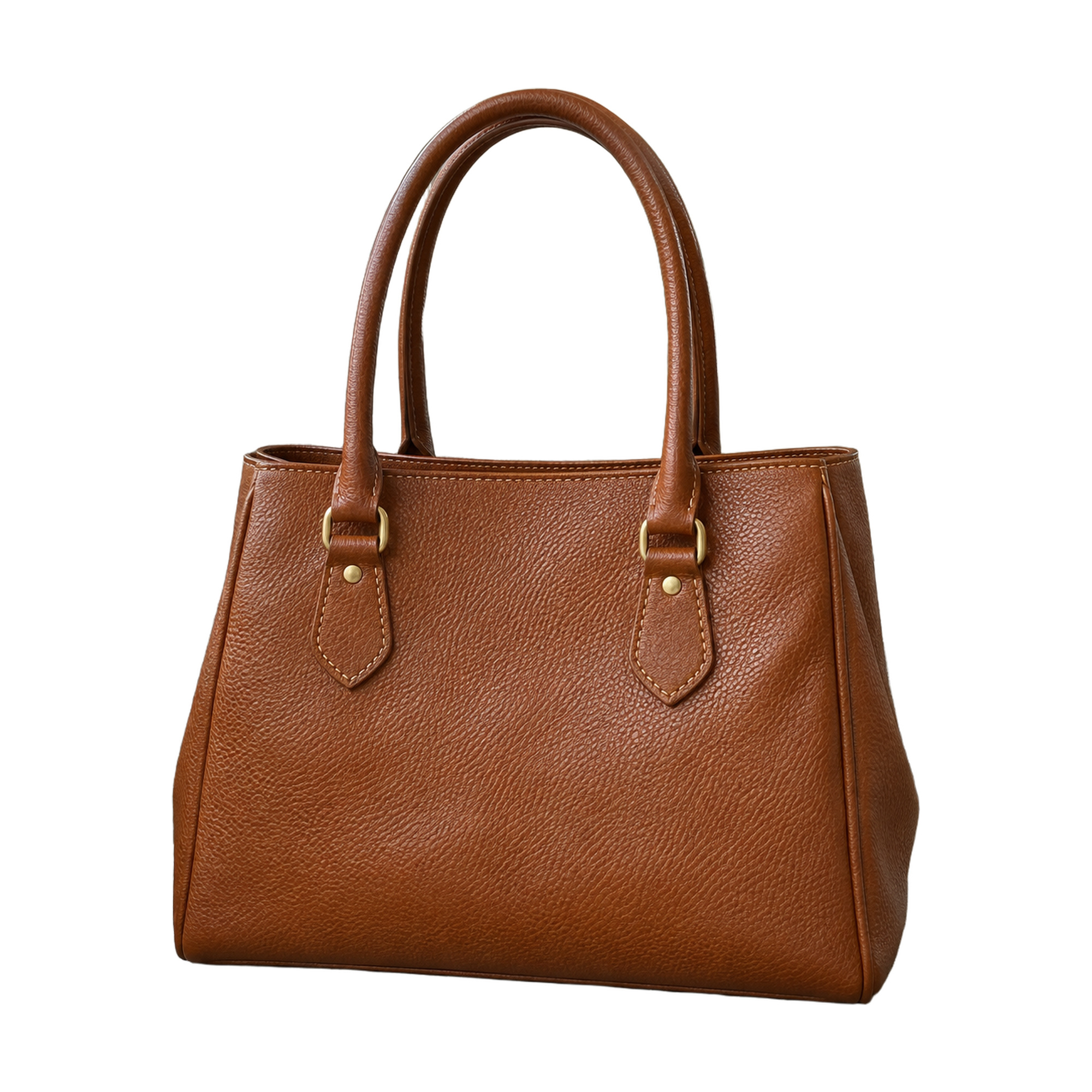 A clean white background.Ready for your catalog
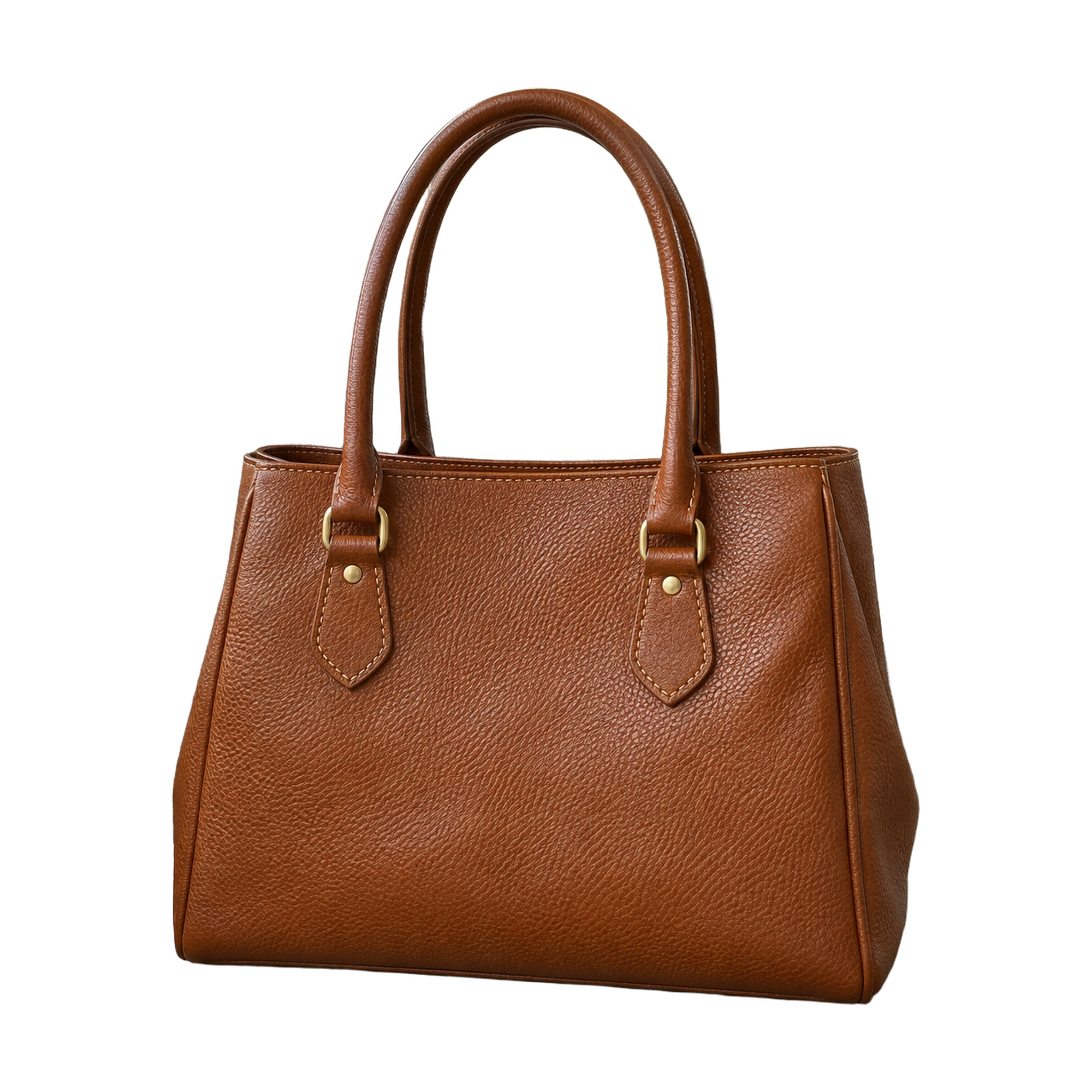 Freedom for a new background.A transparent background for your ideas